


AI Logo Generator: Convert Creativity into Special Logos
Discover Dreamina's powerful AI logo generator. Create stunning logos effortlessly with AI. Customize, enhance, and export high-resolution logos instantly.
Website Address
Website Screenshot
Live Screenshot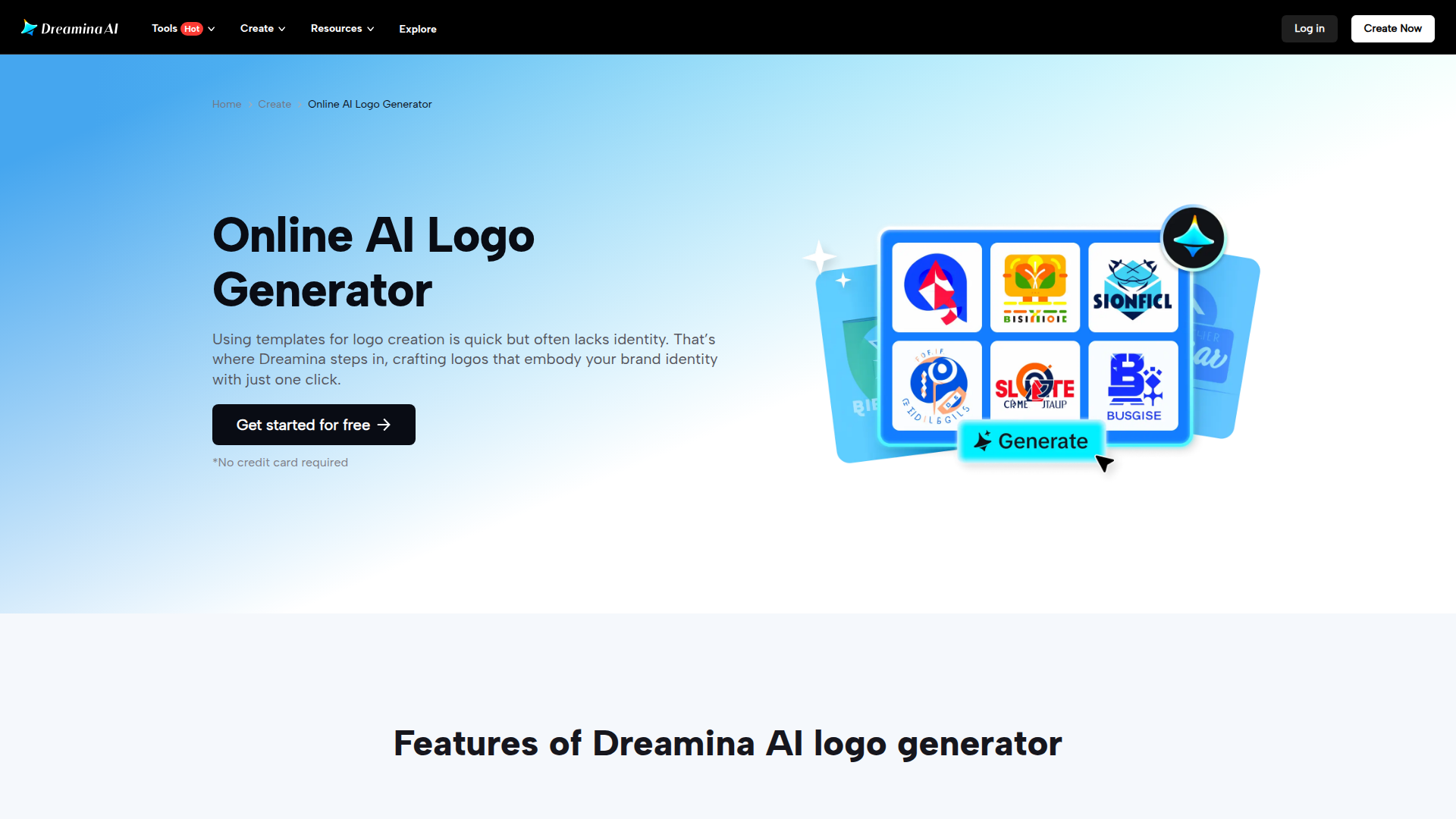
FAQ
Frequently asked questions
What can I create with the AI logo generator?
You can create unique and professional logos that reflect your brand identity in various styles.
Is it really free to use the logo generator?
Yes, you can get started for free without needing to provide a credit card.
How do I customize my logo after it's generated?
You can use advanced tools like retouch, upscale, and AI Expander to refine and personalize your logo easily.
What styles of logos can I create?
You can create logos in vintage, modern, hand-drawn, flat design, text-based, and abstract styles, among others.
Do I need design experience to use this tool?
No, the tool is designed to be user-friendly, allowing anyone to create logos without prior design experience.
Are there any limitations on the logos I create?
While you can create logos for personal and commercial use, be sure to check the specific terms of use on the website.
How long does it take to generate a logo?
You can generate a logo in just a few seconds using the AI technology.
Can I share my logo directly from the platform?
Yes, you can easily share your created logos through various platforms directly from the tool.
Advantages
Core advantages and unique value
Quick Logo Creation
You can whip up a professional logo in seconds. Just type in your idea, and the AI does the rest. It's fast and makes starting your brand a breeze.
Easy Customization
With just one click, you can tweak your logo to make it exactly how you want it. Whether you want to change colors, shapes, or details, it's super simple.
Variety of Styles
No matter if you want a modern logo, vintage look, or something totally unique, Dreamina can do it. You can explore different styles to find the perfect fit for your brand.
No Cost to Start
You can start creating logos for free, with no credit card needed. This means you can test the waters without any financial commitment.
Target Audience
User groups and pain points analysis
Small Business Owners
Struggling to create a unique brand identity on a tight budget and timeline, feeling overwhelmed by the design process.
Freelancers
Need to produce professional logos quickly to impress clients, often feeling the pressure of time constraints and limited design skills.
Social Media Managers
Constantly needing fresh and engaging visual content for campaigns, running out of creative ideas and time to design logos from scratch.
Startup Founders
Facing the daunting task of building a brand from the ground up, looking for ways to stand out without extensive design knowledge.
Hobbyists and Crafters
Wanting to personalize their projects with custom logos but lacking the tools and expertise to create something unique and appealing.
Competitors
Competitor analysis and market positioning
Canva
Canva offers a wide range of design templates but relies heavily on user customization, while Dreamina leverages AI for instant logo generation, making the process faster and more efficient.
Looka
Looka allows users to create logos based on their preferences, but Dreamina's one-click perfection tools enable quick refinements, giving users more control with less effort.
Hatchful
Hatchful provides a straightforward logo creation experience, yet Dreamina stands out with its diverse styles and advanced AI algorithms, allowing for more unique and tailored logo designs.
LogoMaker
LogoMaker is primarily template-based; in contrast, Dreamina's AI-driven approach ensures that logos are not only unique but also reflective of brand identity without compromising on creativity.
Improvements
Areas for improvement analysis
Lack of user guidance
Providing tutorials or tips for new users would enhance the onboarding experience.
Overemphasis on speed
Highlighting the quality and uniqueness of the logos more prominently would attract users seeking distinct designs.
Repetitive calls to action
Diversifying the language used in call-to-action buttons could make the site feel more engaging.
Absence of user testimonials
Including user reviews or case studies would build trust and showcase the effectiveness of the tool.
Recommended Websites
Search engine and web services platform
GitHub
Code hosting platform for version control
Stack Overflow
Q&A platform for programmers