

Veo 3 AI Video Generator: Turn Image/Text into Video Free
EaseMate AI Video Generator is a free video creator powered by Veo 3, which is geared to turn your text or images into amazing videos for free online.
Website Address
Website Screenshot
Live Screenshot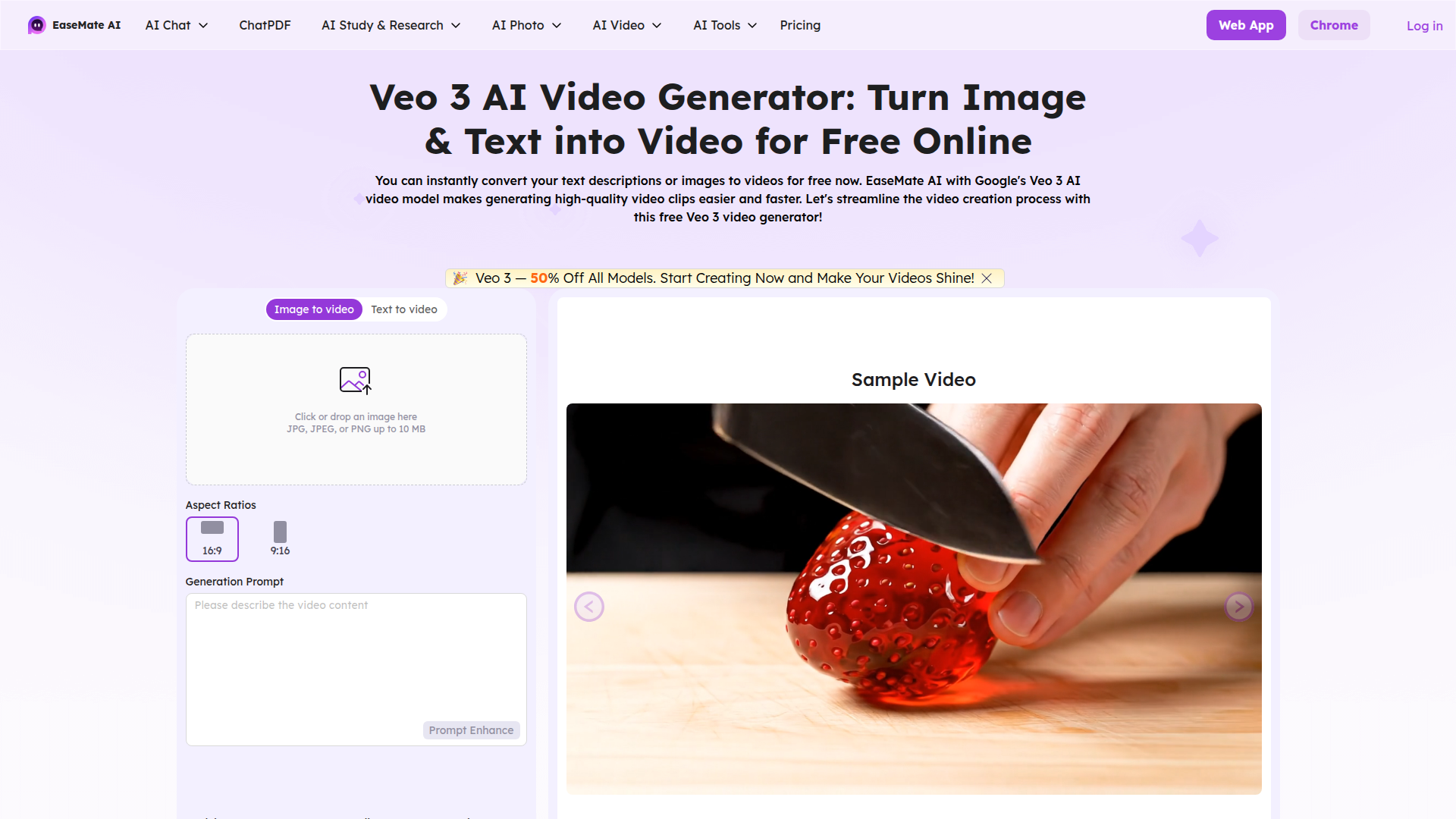
Introduction
Engaging introduction copy
Bring Your Ideas to Life Instantly!
Have you ever struggled to turn your ideas into captivating videos? The Veo 3 AI Video Generator is here to help! Imagine transforming your text descriptions or images into stunning videos in just minutes—completely free! This tool is perfect for anyone looking to create engaging content without the hassle of complicated video editing software. Whether you’re a business owner wanting to showcase a product or a content creator aiming to enrich your storytelling, Veo 3 makes it effortless. Say goodbye to the stress of video production and hello to a world where your creativity can shine. Start bringing your visions to life today!
FAQ
Frequently asked questions
What can I create with the Veo 3 AI Video Generator?
You can turn your text descriptions or images into dynamic short videos.
How do I use the video generator?
Just enter your text or upload an image, and the generator will create a video for you.
Is it really free to use?
Yes, you can create videos for free online using the Veo 3 AI Video Generator.
Are there any limitations on video length or quality?
Currently, the videos can be up to 8 seconds long and are generated in 720p quality.
What image formats can I upload?
You can upload images in JPG, JPEG, or PNG formats, with a maximum size of 10 MB.
Do I need to create an account to use the generator?
You can use it without an account, but signing up may offer additional features.
Can I use the videos for commercial purposes?
Yes, you can use the generated videos for personal and commercial projects.
What if I need help or support?
You can reach out to customer support through the website for any assistance.
Advantages
Core advantages and unique value
Instant Video Creation
You can quickly turn your text or images into videos in just a few minutes, saving you time and effort.
Free to Use
This tool is completely free, making it accessible for everyone, whether you're a student, a small business owner, or just someone who wants to create fun videos.
Easy to Use
The interface is super user-friendly. Just type in what you want or upload an image, and the generator does the rest. No technical skills needed!
High-Quality Output
The videos generated are in 720p quality, ensuring that your content looks professional and appealing.
Versatile Applications
Perfect for a variety of uses, from social media posts to presentations, helping you communicate your ideas visually.
Target Audience
User groups and pain points analysis
Social Media Managers
Struggling to keep up with the demand for fresh content, feeling overwhelmed by the need to create engaging videos quickly.
Small Business Owners
Lacking the budget for professional video production, wanting to create promotional content easily without breaking the bank.
Educators and Trainers
Finding it challenging to make lessons engaging, needing a simple way to turn text and images into captivating videos for students.
Bloggers and Influencers
Running out of unique content ideas, wanting to present their thoughts visually without spending hours on video editing.
Event Planners
Desiring quick ways to showcase past events, needing to create highlight reels that capture the essence of their work effortlessly.
Competitors
Competitor analysis and market positioning
Lumen5
Lumen5 offers a sophisticated platform for transforming text into video, but it primarily focuses on marketing content, whereas Veo 3 targets a broader audience with its free and simple interface.
InVideo
InVideo has a range of templates and editing features, but it operates on a freemium model. In contrast, Veo 3 enables users to generate videos for free without hidden costs.
Animoto
Animoto provides a structured video creation process, but it requires a subscription for high-quality exports. Veo 3 allows users to create short videos for free, making it more accessible.
Wave.video
Wave.video is feature-rich but may overwhelm beginners. Veo 3's straightforward approach to turning images and text into videos is more user-friendly for casual creators.
Improvements
Areas for improvement analysis
Lack of user guidance
Incorporating tutorials or a help section could assist new users in navigating the video generation process.
Limited video length and quality options
Offering various video lengths and higher quality settings could cater to different user needs.
No feedback mechanism
Implementing a feedback option would allow users to report issues and suggest improvements, fostering a better user community.
Recommended Websites
Search engine and web services platform
GitHub
Code hosting platform for version control
Stack Overflow
Q&A platform for programmers