

Free AI Video Generator : Create Stunning AI Videos
Create AI videos from your ideas using HeyGen. Input text, image, or audio to create complete videos with narration, captions, visuals, and animations.
Website Address
Website Screenshot
Live Screenshot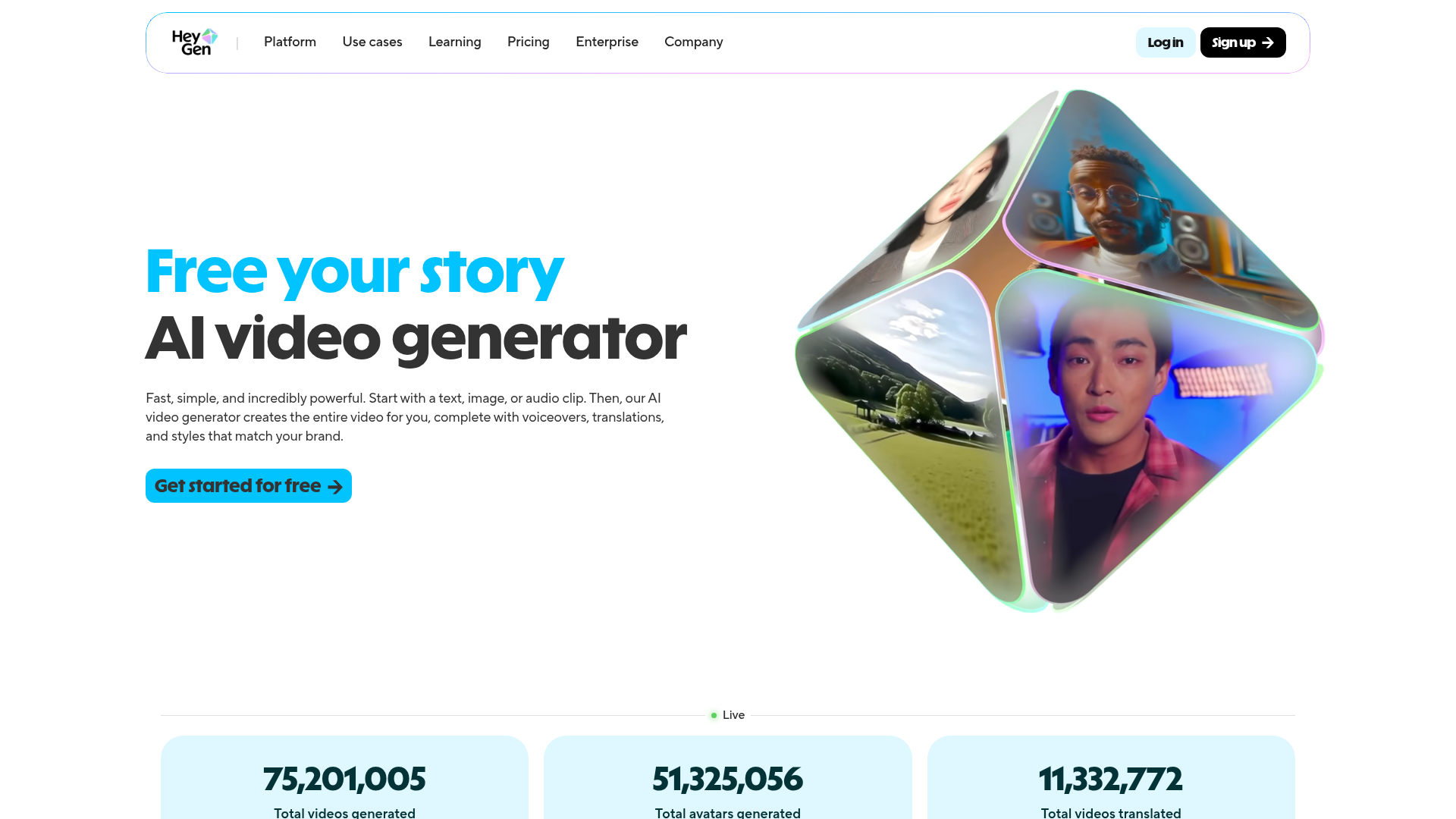
Introduction
Engaging introduction copy
Unlock Your Creativity with AI Video Generation
Have you ever wished that creating engaging videos could be as easy as typing a few words? With HeyGen's incredible AI video generator, that dream is now a reality! Whether you're looking to produce product explainers, eye-catching social media content, or personalized messages, this tool takes the hassle out of video production. Simply input your text, image, or audio, and watch as the AI crafts a stunning video complete with lifelike avatars and voiceovers—all in a matter of minutes. No more complicated software or endless editing! It's perfect for marketers, educators, and anyone wanting to tell their story in a captivating way. Ready to transform your ideas into breathtaking videos? Dive in and start creating for free today!
FAQ
Frequently asked questions
What can I create with this AI video generator?
You can create stunning videos from text, images, or audio, complete with voiceovers and translations.
How do I start using the tool?
Just sign up for a free account, choose your content type, and follow the prompts to create your video.
Are there any limitations on the free version?
While you can create videos for free, certain advanced features and higher resolutions may require a subscription.
Can I use my own avatar in the videos?
Absolutely! You can either create a custom avatar from your photo or use one of the pre-made options available.
What languages and accents are supported?
The tool supports over 175 languages and dialects, allowing you to capture various tones and emotions.
How long does it take to generate a video?
The video generation process is quite fast, often just a few minutes, depending on the complexity of your project.
Can I edit the videos after they're generated?
Yes, you can add text overlays, background music, and transitions to customize your videos further.
What type of content is best suited for this tool?
It's great for creating product explainers, sales pitches, onboarding materials, or even YouTube content.
Is there a limit to how many videos I can create?
While there may be some limitations on the free account, you can create numerous videos based on your needs.
Advantages
Core advantages and unique value
Effortless Video Creation
Just input a script, and the AI does the rest. You can convert text, images, or audio into high-quality videos without any technical skills.
Realistic AI Avatars
Create lifelike avatars that look and sound like real people. You can film yourself or use a photo to generate a digital version that can speak your script.
Fast and Time-Saving
With automated editing and production, you can save hours compared to traditional video making. Ideal for product demos, marketing, or educational content.
Multilingual Support
Generate videos in over 175 languages and dialects, allowing you to reach a wider audience and cater to diverse markets.
Customizable Content
Easily adjust avatars’ expressions, clothing, and backgrounds to fit your brand’s style, making your videos unique and engaging.
Target Audience
User groups and pain points analysis
Content Creators
Struggling to consistently produce engaging videos, often feeling overwhelmed by the time and effort it takes to create high-quality content.
Small Business Owners
Limited budget for marketing resources, needing effective video content to promote products without breaking the bank.
Educators
Finding it challenging to create engaging instructional videos, wanting to present material in a more dynamic and relatable way for students.
Marketers
Facing constant pressure to create fresh and appealing marketing content quickly, often feeling like there’s never enough time.
Social Media Managers
Desiring to stand out in a crowded digital landscape, struggling to create eye-catching videos that capture audience attention without extensive editing skills.
Competitors
Competitor analysis and market positioning
Synthesia
While Synthesia offers AI-generated videos, HeyGen differentiates itself with a broader range of avatar customization options and a more intuitive interface.
Pictory
Unlike Pictory, which focuses primarily on text-to-video, HeyGen allows users to convert images and audio clips into videos, providing more versatile content creation.
DeepBrain
HeyGen stands out with its ability to generate lifelike avatars from a single image and its extensive language support, whereas DeepBrain primarily targets corporate training solutions.
Improvements
Areas for improvement analysis
Overwhelming features without clear guidance
Implement guided tutorials or tooltips to help users navigate the various features effectively.
Lack of user testimonials or case studies
Showcasing success stories or feedback from users could build trust and demonstrate the product's effectiveness.
Limited free trial capabilities
Expanding the features available during the free trial could encourage more users to explore the platform fully.
Recommended Websites
Search engine and web services platform
GitHub
Code hosting platform for version control
Stack Overflow
Q&A platform for programmers