


AI Video Generator
Renderforest's AI video generator simplifies video creation by turning your scripts into dynamic visuals. Customize templates, add effects, ...
Website Address
Website Screenshot
Live Screenshot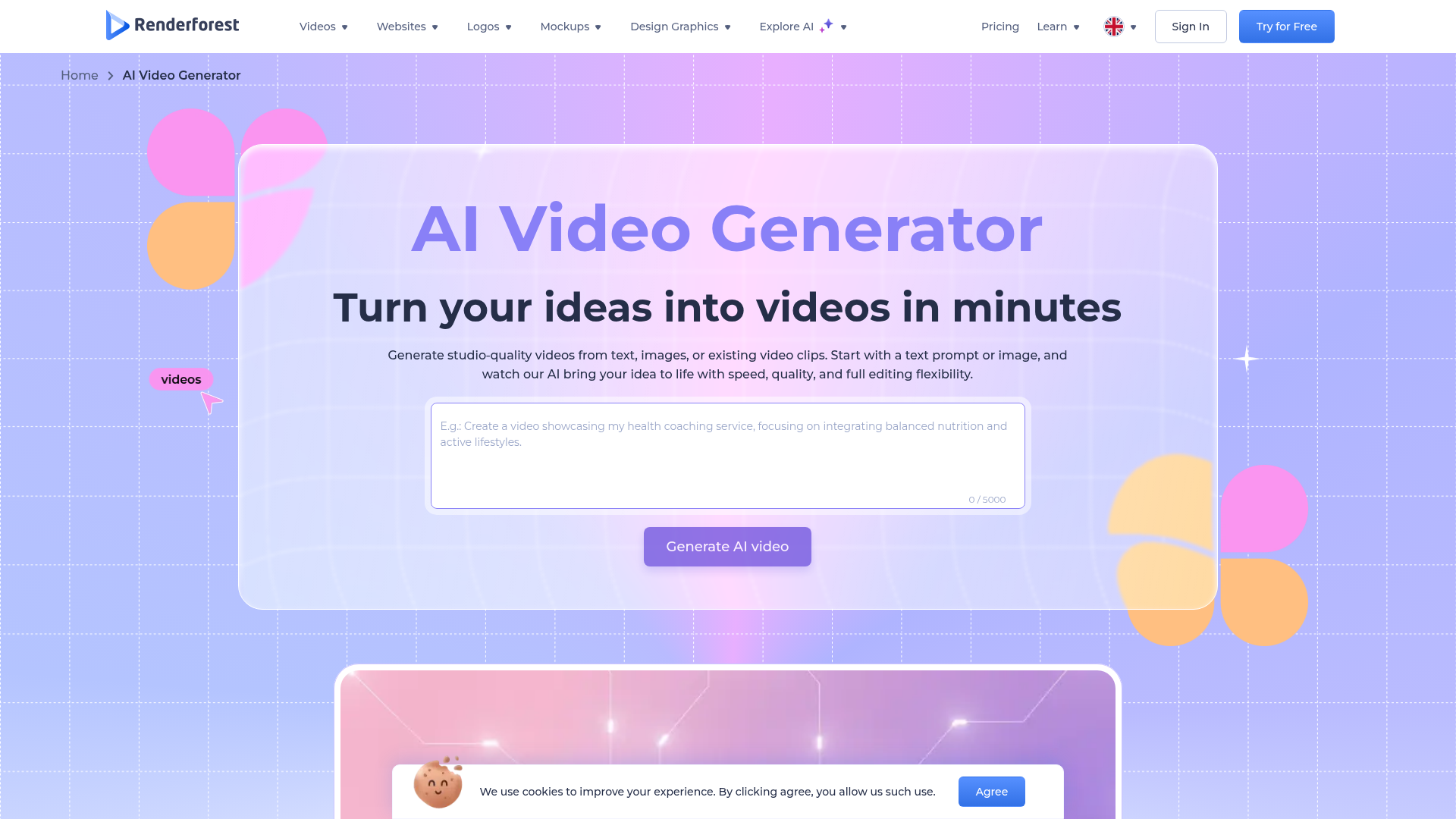
Introduction
Engaging introduction copy
Create Stunning Videos Effortlessly
Are you struggling to produce engaging videos that capture your audience's attention? Look no further! Our AI Video Generator is designed to simplify the video creation process, allowing you to transform your ideas into captivating visuals in just minutes. No more tedious editing or steep learning curves—just enter your concept, and watch as our advanced AI crafts a polished video tailored to your vision. With multiple styles to choose from, whether you need cinematic content or quick social clips, we've got you covered. Join over 30 million satisfied users and elevate your content game today!
FAQ
Frequently asked questions
What can this AI video generator do?
It helps you create structured video drafts quickly by turning your ideas into narrative-driven sequences.
How do I use the AI video generator?
Just enter your concept, select an AI model, and the generator will create a video that you can refine.
Are there any limitations on video length or style?
There may be limitations based on the AI model you choose and the plan you select.
Can I use this tool for commercial projects?
Yes, you can use the videos created for commercial purposes, depending on your subscription plan.
What kind of AI models are available?
You can choose from various AI models like Pixverse, Hailuo, or Seedance, each providing a unique style.
Is there a cost to use this service?
While there is a free version, premium features may require a subscription.
Do I need any technical skills to use it?
No technical skills are required; the tool is designed to be user-friendly for everyone.
How long does it take to create a video?
You can generate a structured video draft in just minutes, saving you hours of manual editing.
Can I customize the videos after they're generated?
Absolutely! You can refine and edit the generated video to fit your needs.
Advantages
Core advantages and unique value
Quick Video Creation
Instead of spending hours editing, you can whip up a video draft in just minutes. Just tell the AI your idea, and it creates a full video for you to tweak.
Multiple AI Models
Choose from different AI styles like Pixverse for cinematic looks or simple explainers. You can get the exact vibe you want for your video.
Versatile Formats
Got an idea? You can turn it into different types of videos. Whether it's an animated clip or a straightforward presentation, this tool has you covered.
Widely Trusted
With over 30 million users and big names like Nike and Meta on board, you know you're using a reliable tool that others trust.
Target Audience
User groups and pain points analysis
Small Business Owners
Struggling to create engaging videos due to limited resources and time, feeling overwhelmed with marketing tasks.
Social Media Managers
Constantly pressed for fresh content ideas, finding it hard to keep up with the fast-paced social media landscape.
Educators and Trainers
Need to present complex information in a more engaging way, but lack the technical skills to create professional-looking videos.
Freelance Creatives
Juggling multiple projects, feeling the pressure to deliver high-quality content quickly without the right tools.
Event Planners
Want to capture and promote events effectively, but often find it challenging to produce high-quality video content on a tight schedule.
Competitors
Competitor analysis and market positioning
Animoto
While Animoto offers a straightforward video creation process, Renderforest provides a more diverse range of AI models, allowing users to choose styles that fit their specific project needs.
Canva Video
Unlike Canva Video's template-driven approach, Renderforest's AI-driven generator creates unique video drafts based on user input, saving time and enhancing creativity.
InVideo
InVideo has a robust editing suite, but Renderforest distinguishes itself with its focus on AI automation, making video creation faster and more efficient for users with varying skill levels.
Lumen5
While Lumen5 emphasizes converting text to video, Renderforest's multi-faceted AI models allow for a broader range of video types, including cinematic and animated content.
Improvements
Areas for improvement analysis
Ambiguous language option prompt
Clarifying the purpose of changing the language to English could enhance user understanding and engagement.
Lack of detailed use cases
Providing specific examples of how different AI models can be used for various projects would help users choose the right one.
Overly generic claims
Incorporating real user testimonials or case studies could add authenticity and trustworthiness to the claims made.
Recommended Websites
Search engine and web services platform
GitHub
Code hosting platform for version control
Stack Overflow
Q&A platform for programmers